
This is just a quick summary, for anyone who might find it useful, about some testing/mucking around I’ve been doing using AI to create images. In the past, where I’ve had issues finding Creative Commons Licensed images to use on newsletters, I’ve had some success generating images with AI – typically using ChatGPT or Adobe Firefly, and it’s worked pretty well. Actually, thinking about that, I should be sharing any I create (where AI licensing allows it) as Creative Commons images so others can find them and use them (brain whirrs!).
Over the past couple of months, I’ve been messing about with AI to make funny images of my dogs and their friends doing daft human things, for Hamish’s instagram account and I’ve mainly been using ChatGPT to create them. In the last few weeks, I found myself frustrated with it – it’s so clever and it can do so much I can’t but sometimes it just gets the basics totally wrong and it’s a bit trial and error. For example, how ChatGPT works is that I tell it what I want and attach reference photos, it then writes another prompt for it’s image generator (it can’t even tell me which image generator it uses) and then the image generator takes it’s instructions and the reference images to make the requested image. I have a rule that ChatGPT should show me the prompt it writes BEFORE sending it to the image generator. It pretty much ignores that rule, even when I remind it in the request, which is annoying (I want to correct mistakes BEFORE the image is created – better in terms of environmental efficiency, time and cost. Measure twice, cut once ChatGPT!). Even when it does share the prompt, and the prompt looks good, often the image generator will come back with human hands instead of dog paws or dogs with 5 legs and it then turns into ChatGPT telling the image generator not to do a whole bunch of things. There have been times I’ve given up – either starting a completely new chat session or just giving up entirely and moving on to something else.
I then tried to make things more efficient by creating a new project in ChatGPT with a bunch of source photos of Hamish – I foolishly thought that giving it more images and saving them to ChatGPTs project memory would be helpful….(it works well with Claude for projects – but it doesn’t do photorealistic images) but that didn’t change anything and in-fact ChatGPT kept telling me it couldn’t see the source images and asked me to upload them into the chat again. I then had a discussion with it about why I wasn’t getting the results I wanted and it told me that having multiple source images was just confusing it and we’d be better to use one and then make it a really crystal clear reference photo and that would work better. I did that and spoiler alert… it didn’t work any better. Venting my frustration, ChatGPT then told me that I’d probably be better using the Flux AI Generator Model instead.
So, I started to do a bit of reading and some (very unscientific) thinking. Simultaneously I’m building a website for a group I’m a member of – the West Lothian Litter Pickers group, and I was interested in creating decorative images for that site, even to act as placeholders whilst I got permissions from members to use their photos. Firefly was pretty good at those sort of generic posts, although interestingly seemed to be poorer at the mechanics of a litter picker and how the picker would hold a bottle or a bag of crisps, for example. I asked it for generic litter pictures, it was really good at that (although some of the branding on the rubbish was a little bit close to real logos so I had to ask it to obscure those). However, Firefly had the same troubles with using a reference photo and making a dog look like a popstar, for example. You know, those important things in life.
I bought myself some credits on astrai.ai as I read it gave you access to a number of different image models so I could try out Flux 2 and others. Also that you could ‘train’ your own models by uploading up to 16 photos of each doggo or person at different angles and then you’d get more accurate generations. So I tried that and I tried a bunch of different image generation models. I got some hilarious results, but really not the ones I had wanted.
Here are my results:
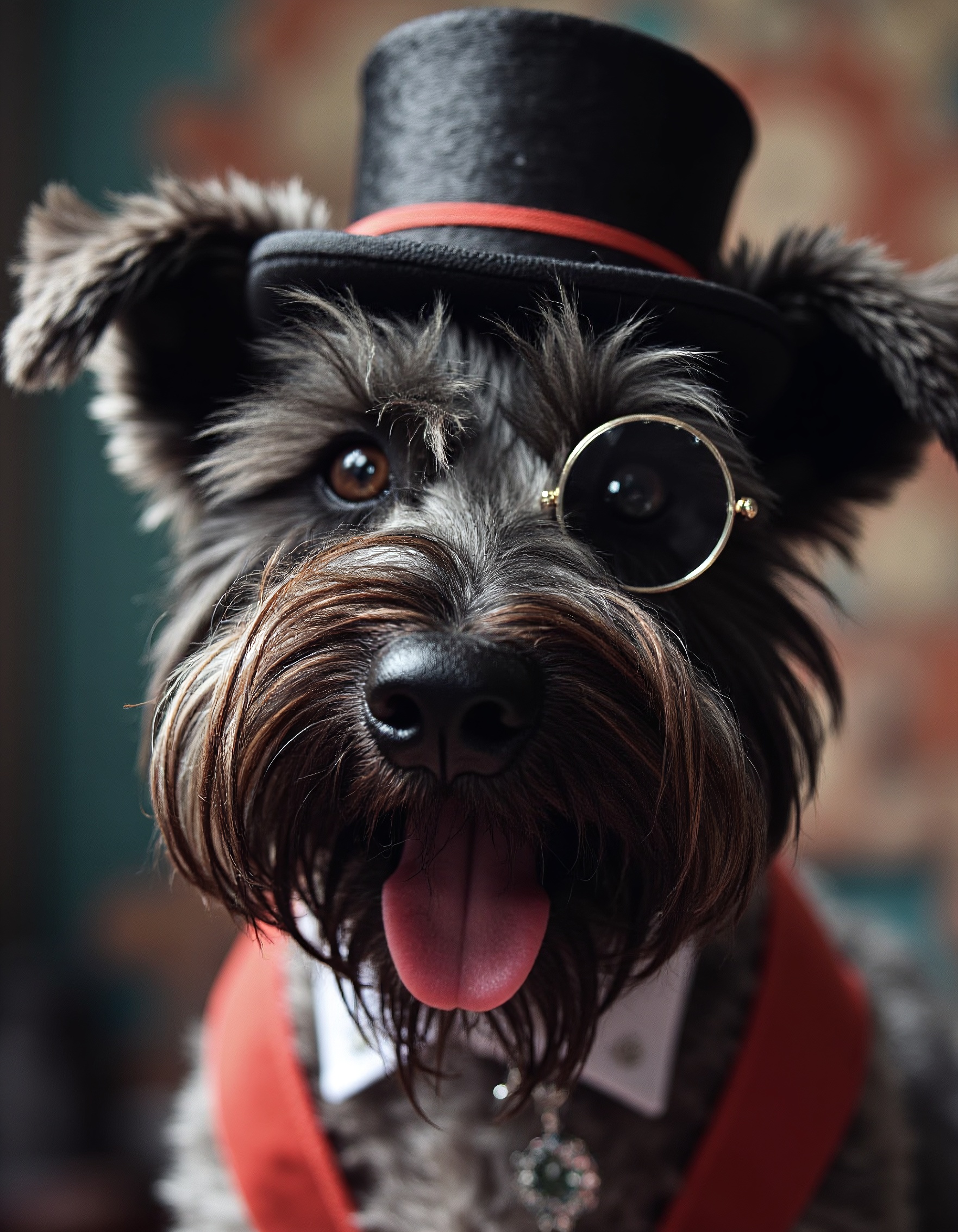
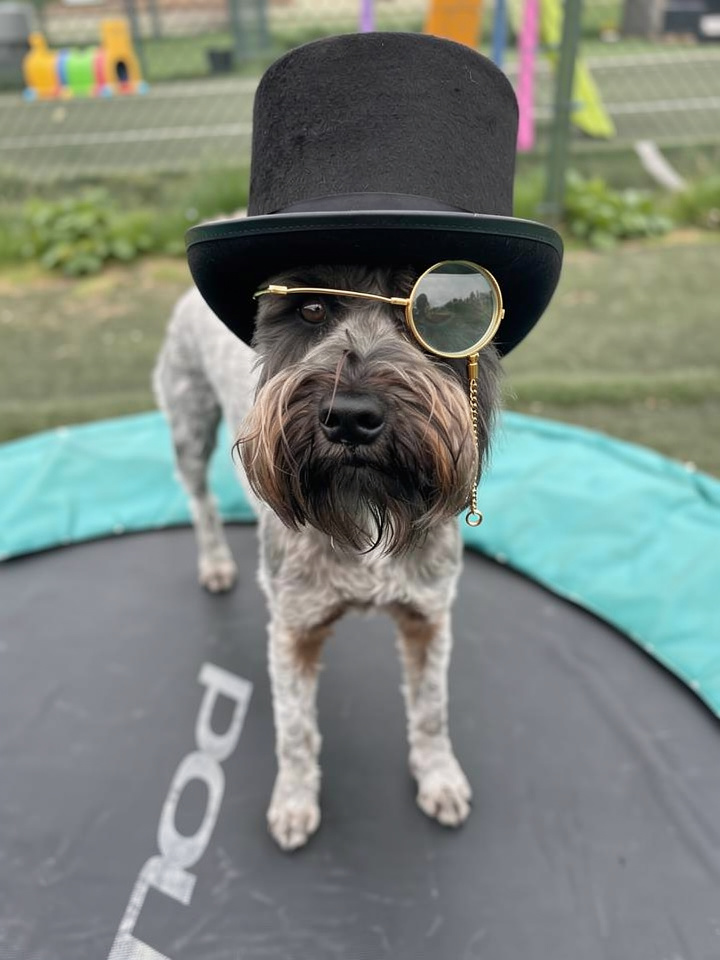
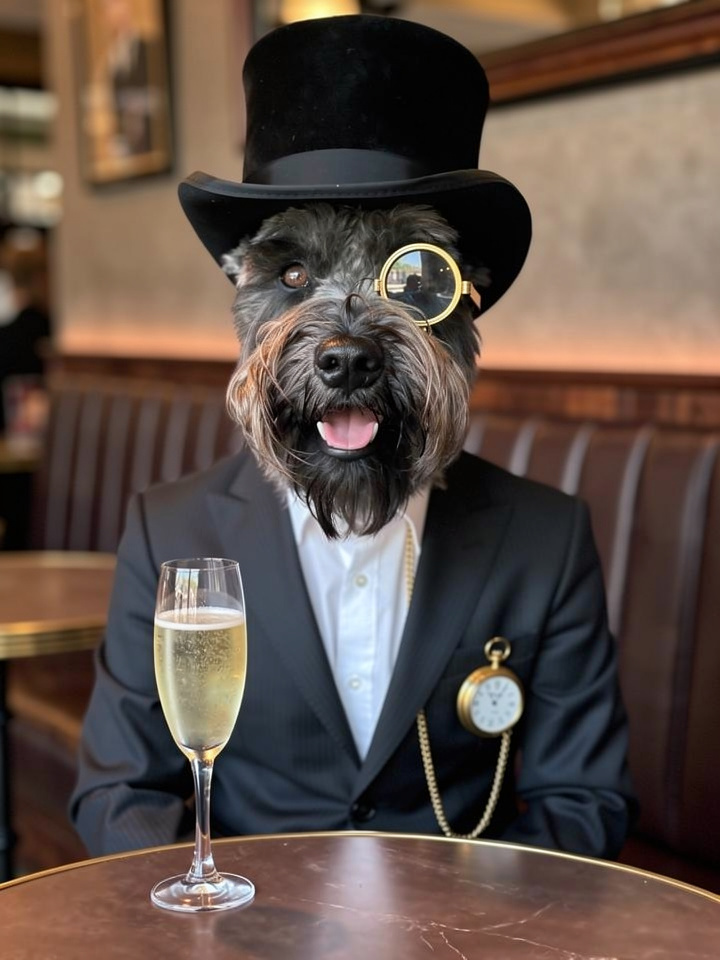
I then tried to add in other dogs. I trained the model on another two. Flux 2 Pro didn’t like me trying to add 3 dogs giving me repeated errors that the input/output would be too big (which I didn’t understand at first) and after a bit of investigation, I realised that there would be a limit to the number of dogs it would allow (despite me reducing the resolution of the output, and using only low resolution images as the input). But even with two dogs, the outputs were not what I had hoped.
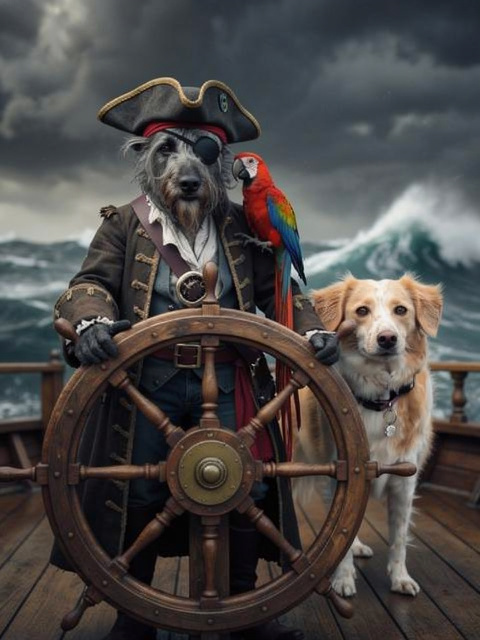
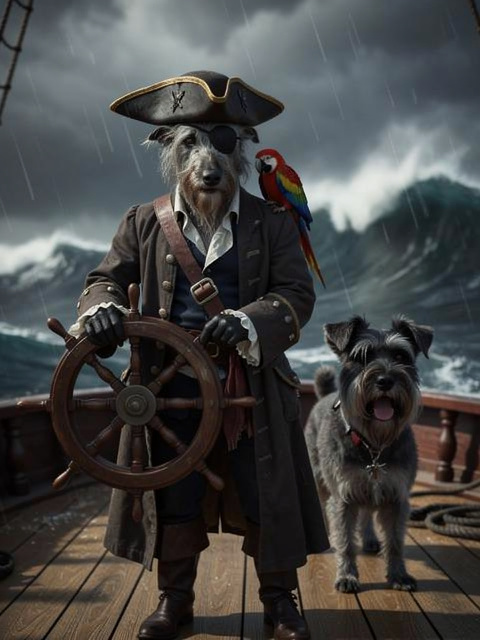
So, given I want my images to have more than one dog, I started to try the other models available via astria.ai.
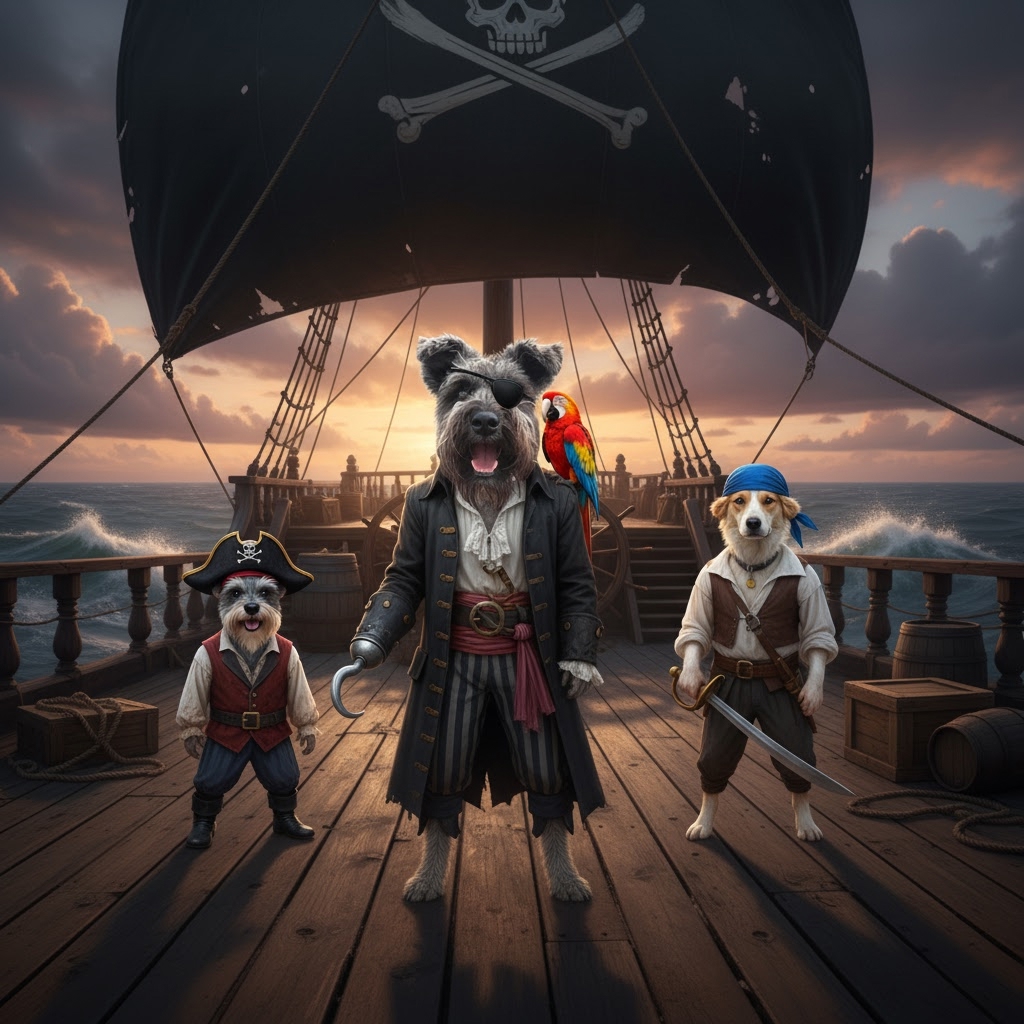
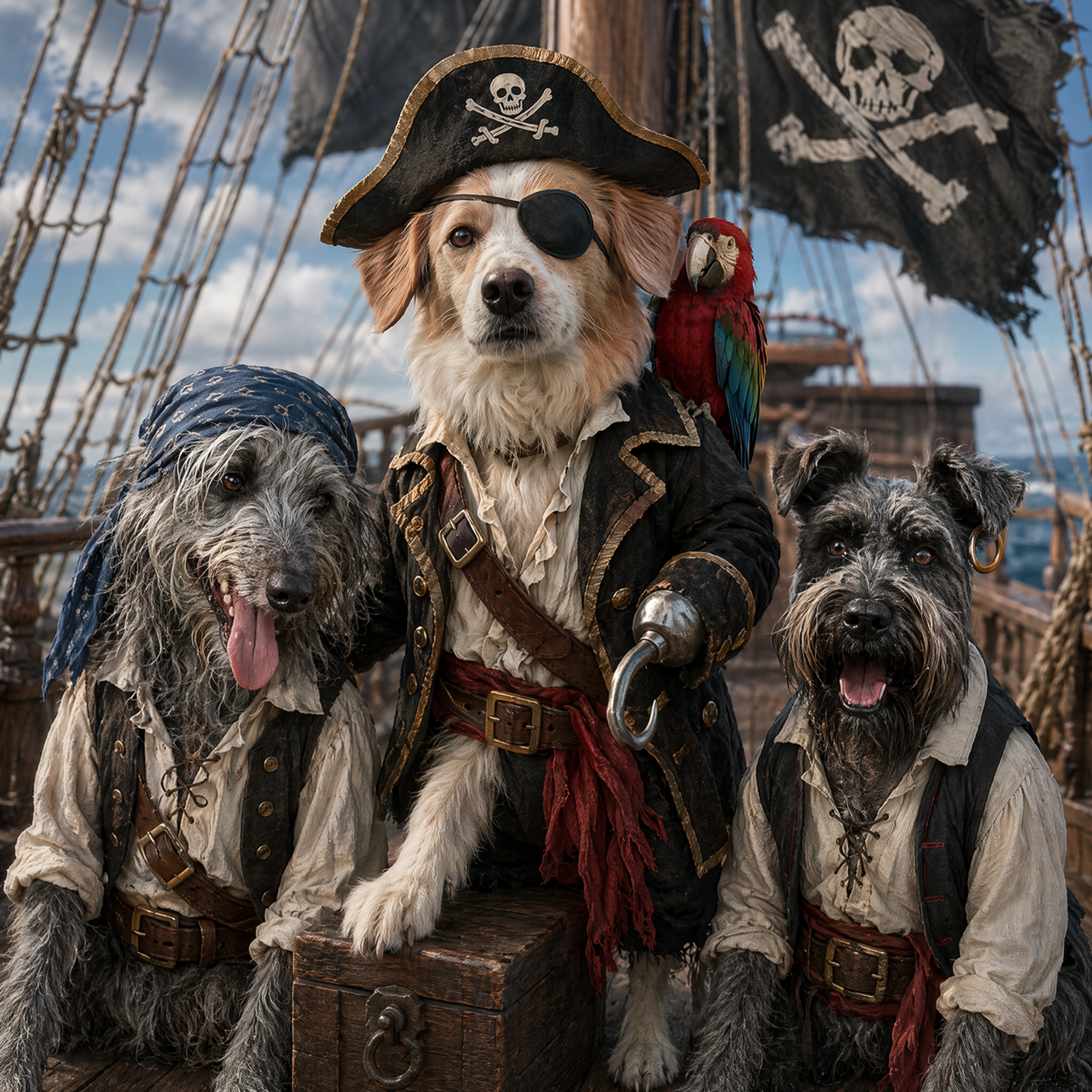
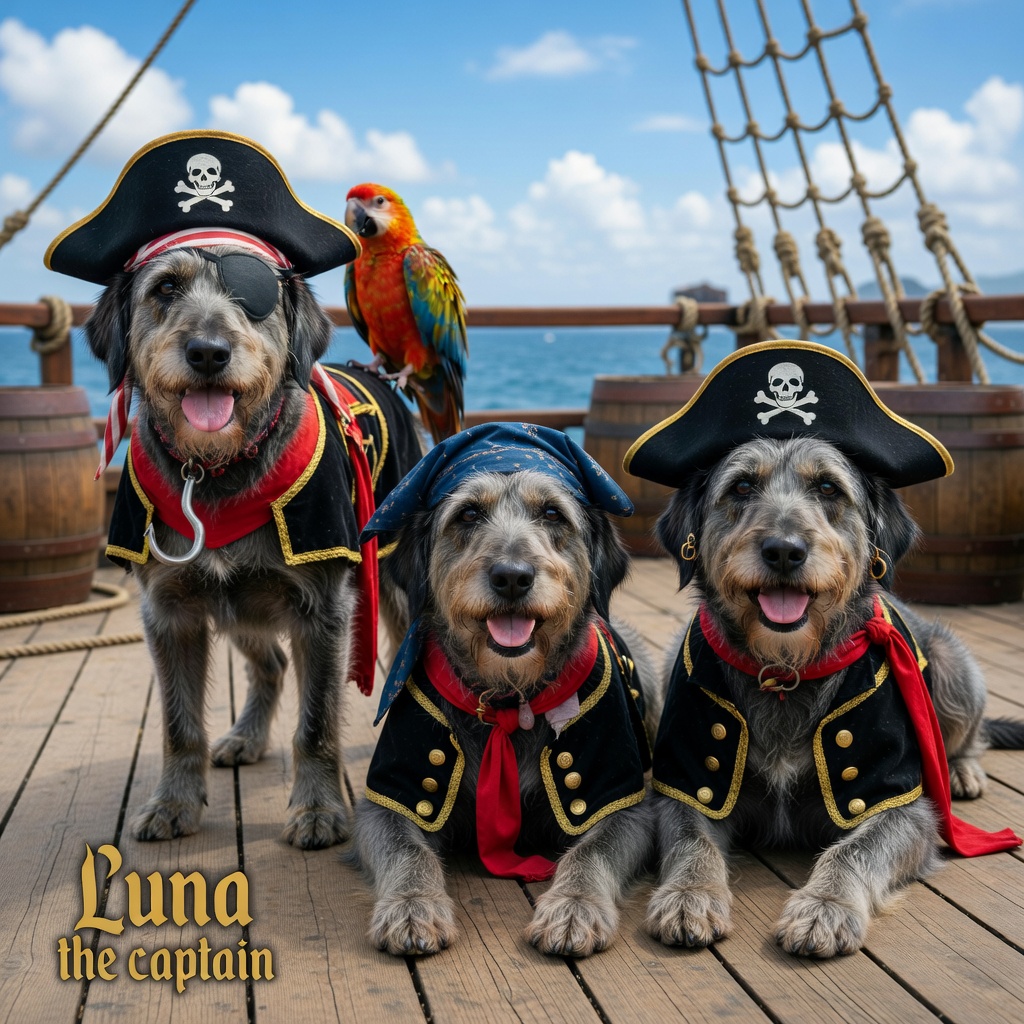
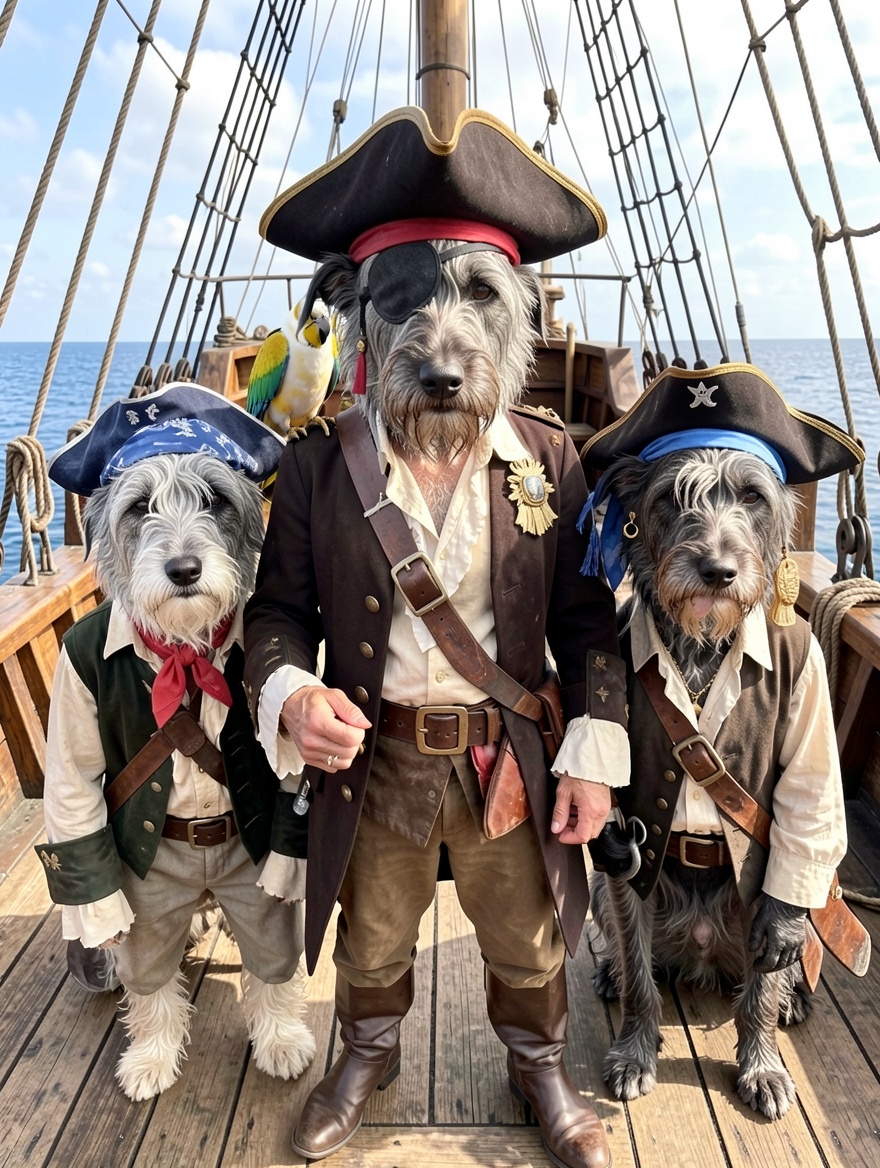
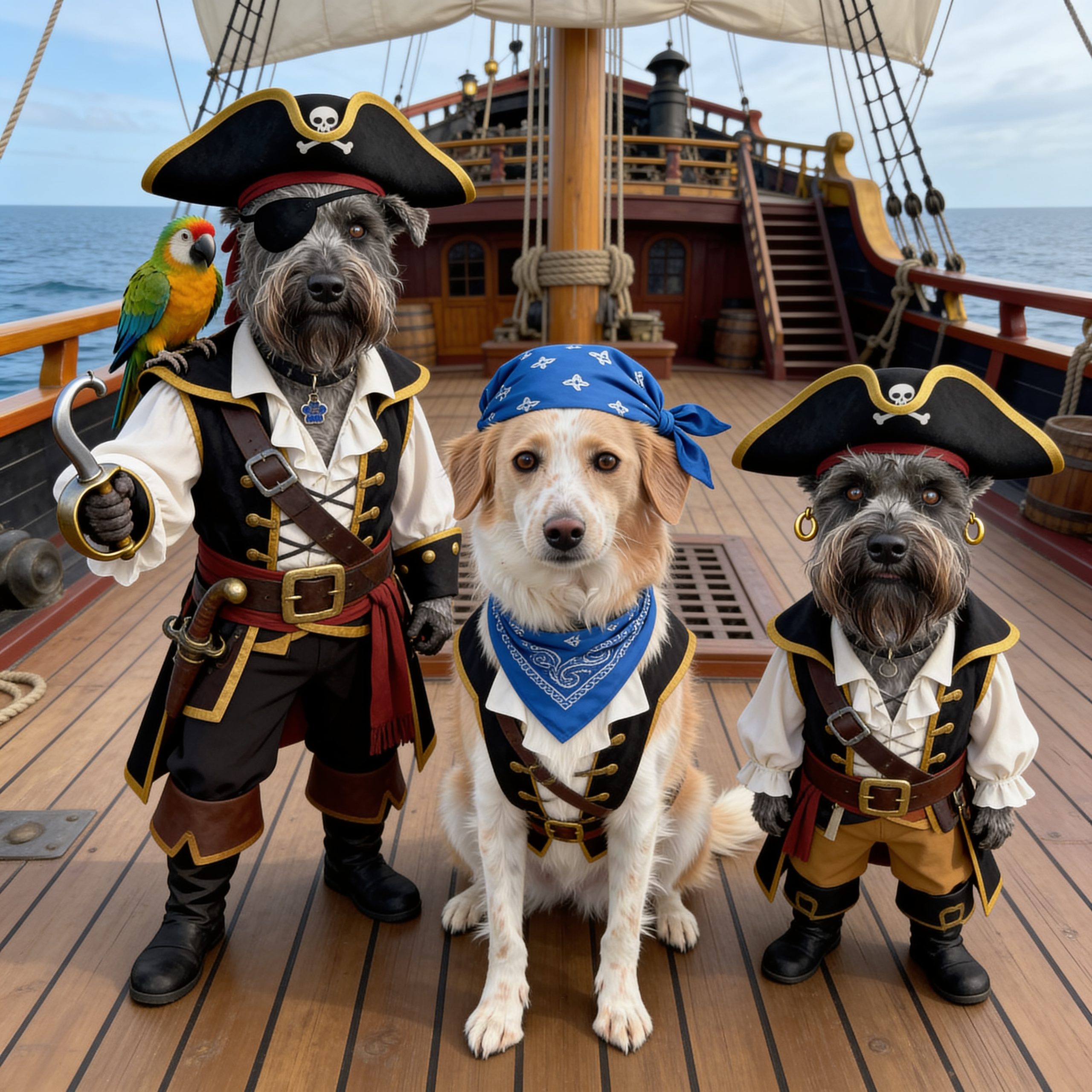
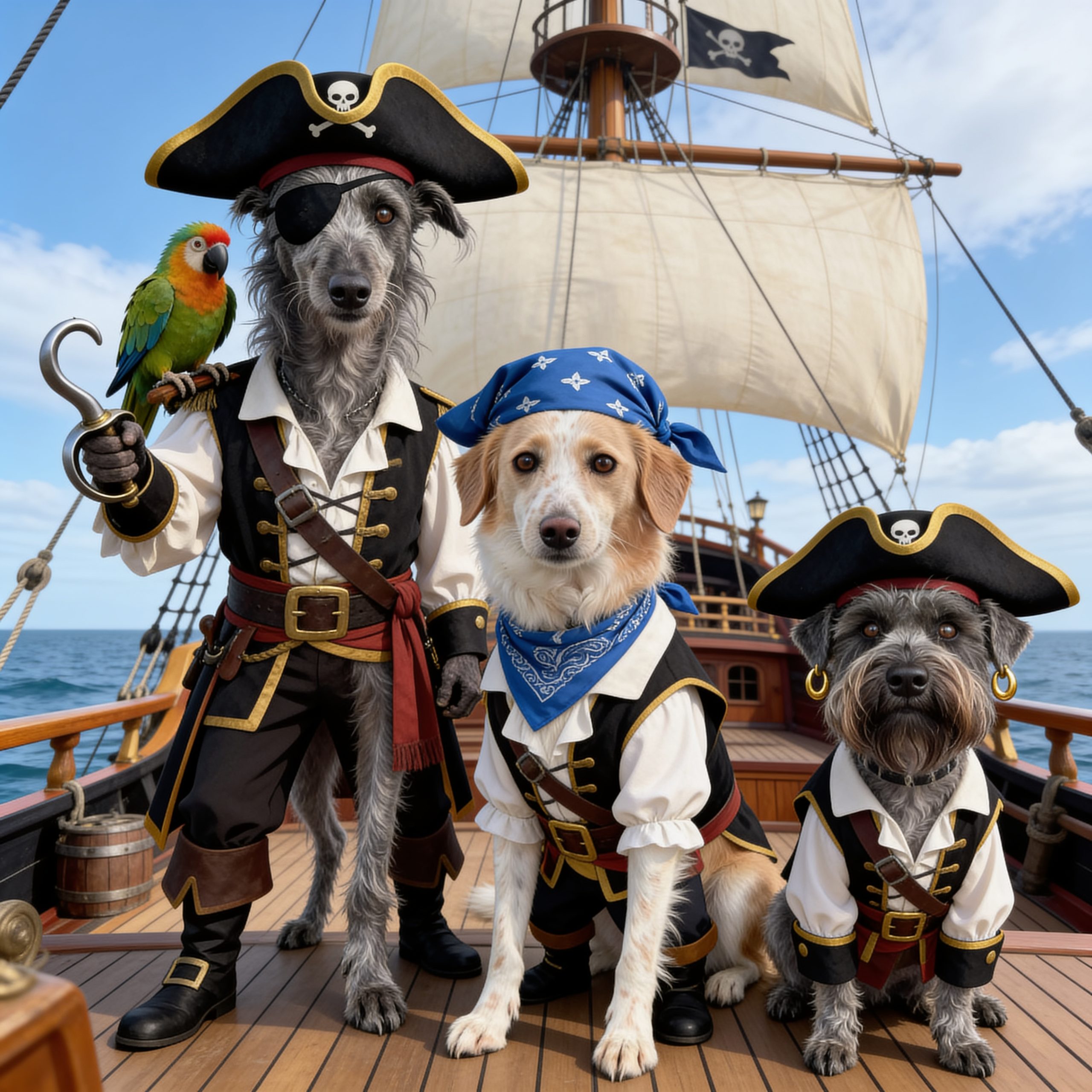
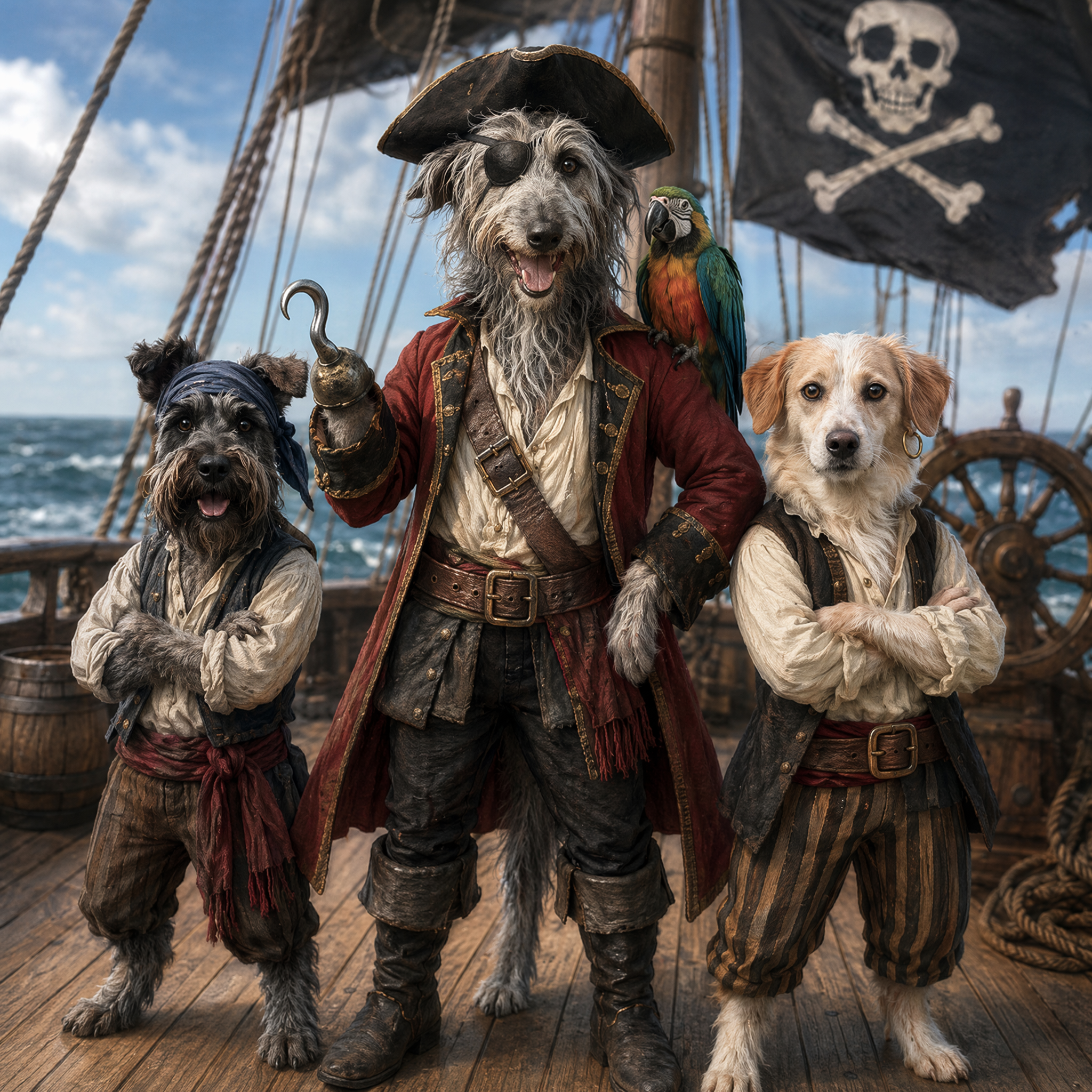
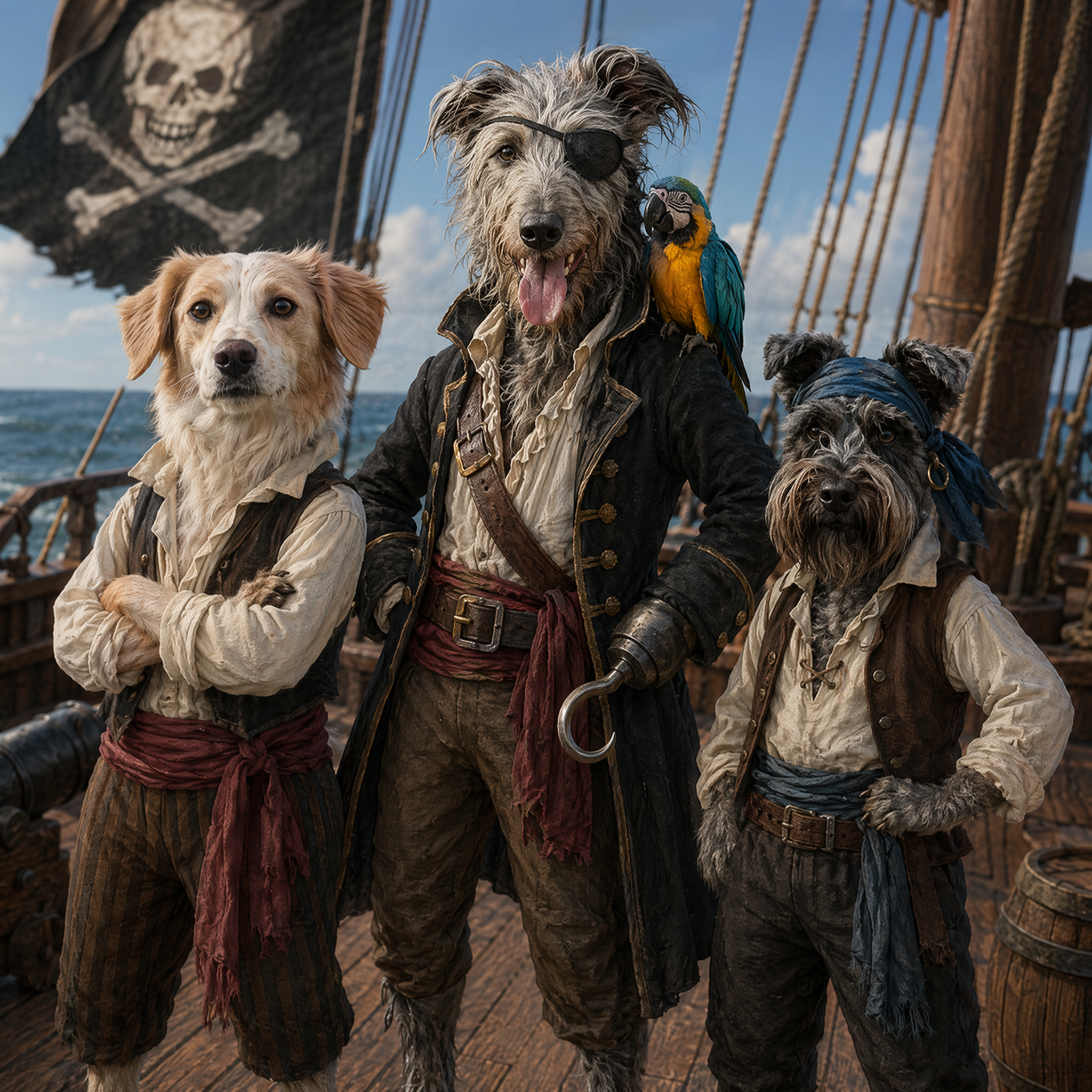
I wondered which model ChatGPT was using and it couldn’t tell me and a bit of googling didn’t enlighten me much. However, I wondered if it was possible to force ChatGPT to use a specific image generation model….. or to use the APIs to create images using a specific model.
I found that OpenAI provide a ‘playground’ for developers and that includes and ‘Image Playground‘. It’s separate from your ChatGPT subscription, if you have one, you need to buy API credits to use it but I found it gave the most consistent results with my testing. You can upload up to 16 reference images at the same time, if the dogs in the reference pictures look similar (believe it or not, it was confusing Hamish and Luna at first) you can tell it which images are pictures of which dogs. Once you have that prompt right, then the results are pretty accurate.
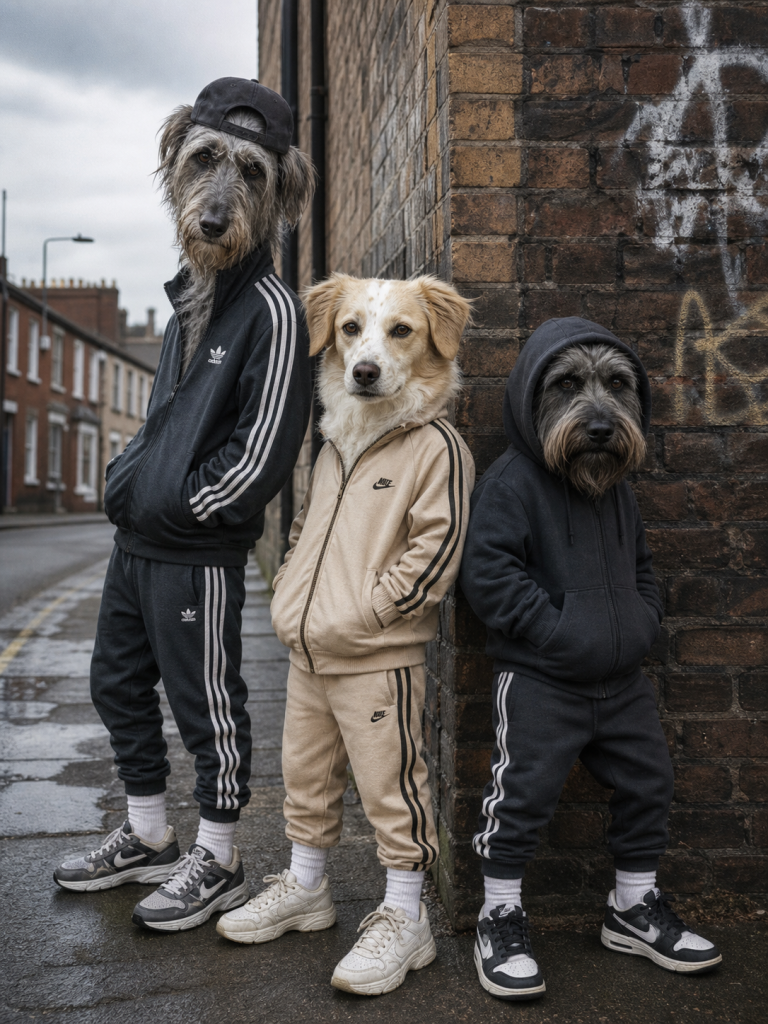
Anyway, this blog post has been written as a reminder for me of what I’ve tried and if you are reading it, I hope it’s been useful. It’ll all have changed again next week anyway!! That’s AI for you.